Have you ever lost an important file because your phone crashed or your laptop stopped working? I’ve been there, and trust me, it’s frustrating. That’s why cloud storage is a game-changer. In this beginner guide to cloud storage, I’ll explain what it is, why it matters, and how you can start using it today without feeling overwhelmed.
What is Cloud Storage in Simple Words?
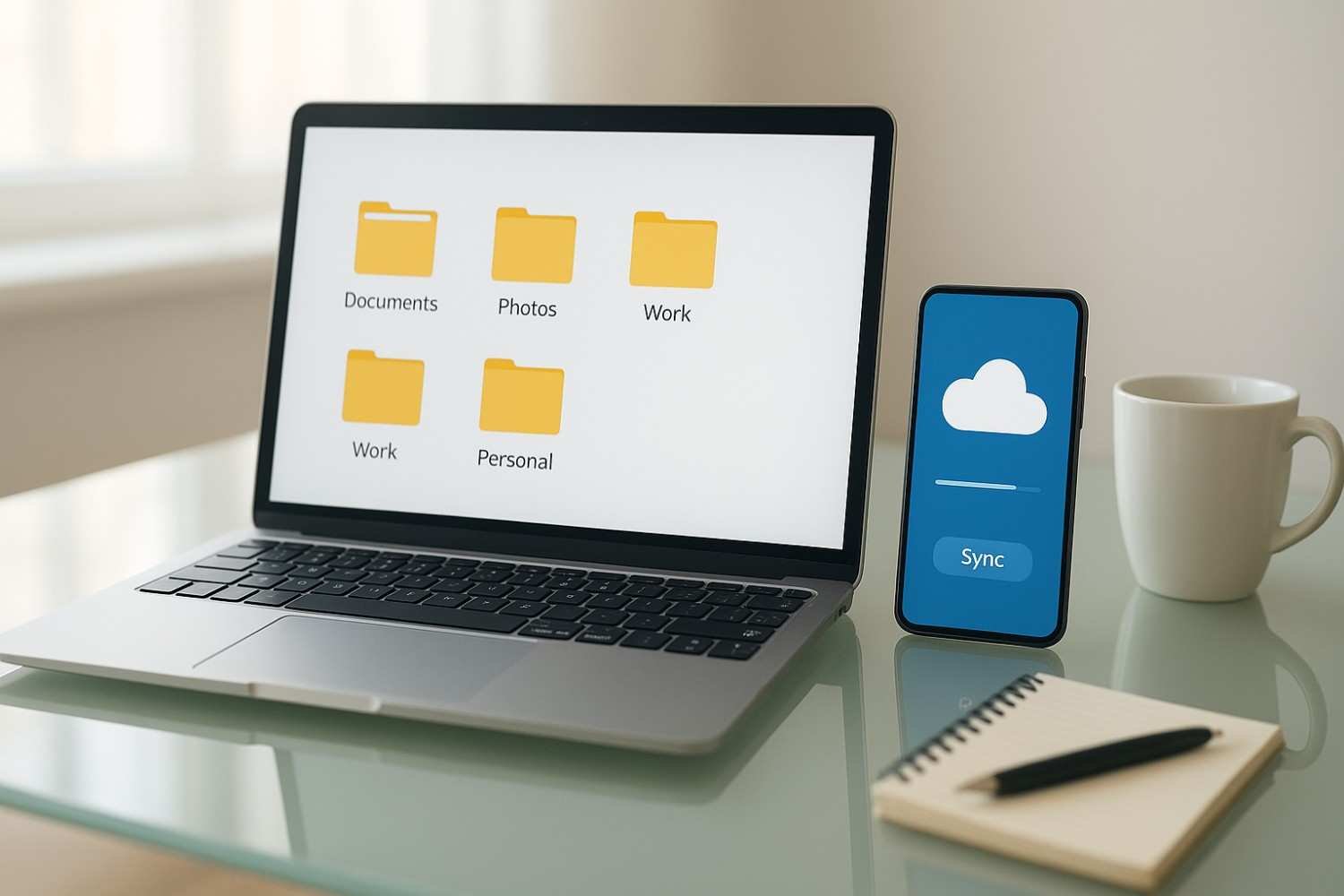
Think of cloud storage like an online locker where you keep your digital stuff. Instead of saving files only on your device, you store them on the internet using services like Google Drive, Dropbox, or OneDrive. This means you can access your files from anywhere, on any device, as long as you have an internet connection.
If you’ve ever used Google Photos for your pictures or sent a file through Dropbox, you’ve already used cloud storage without even realizing it.
Why Cloud Storage is Important
I used to keep everything on my laptop, thinking it was safe. One day, it stopped working, and I lost years of work in seconds. That was the day I realized cloud storage is not optional anymore it’s essential. Here’s why:
Never lose files again – Even if your device breaks, your files stay safe.
Free up space – No more “Storage Full” notifications.
Access from anywhere – Work on a file at home, finish it on the go.
Easy sharing – Share big files without sending bulky email attachments.
Cloud storage is basically your digital safety net.
How Does Cloud Storage Work?
When you upload a file to the cloud, it’s stored on secure servers maintained by companies like Google or Microsoft. These servers use strong security measures to protect your data. Then, whenever you need your file, you simply log in and download or view it from any device.
For example:
You create a document on your laptop → Upload it to Google Drive → Later, you open it on your phone without transferring it manually.
Types of Cloud Storage Services
Not all cloud storage services are the same. Some are great for documents, others for photos. Here’s a quick comparison table of the most popular options:
| Service | Free Storage | Best For |
|---|---|---|
| Google Drive | 15 GB | Documents, Photos, Gmail backups |
| Dropbox | 2 GB | Quick sharing and syncing |
| Microsoft OneDrive | 5 GB | Office users and Windows devices |
| Apple iCloud | 5 GB | iPhone and Mac users |
| Mega | 20 GB | Privacy-focused users |
How to Choose the Right Cloud Storage
Here are three things to consider before picking a service:
Device compatibility – If you use Apple devices, iCloud is the best option. For Android and Windows users, Google Drive or OneDrive works better.
Storage needs – If you only store a few documents, free plans are fine. If you upload videos or large files, you might need a paid plan.
Security – Check for encryption, two-factor authentication, and privacy policies.
Steps to Start Using Cloud Storage
Choose a provider – Google Drive, Dropbox, or any service from the table above.
Sign up and download the app – Install it on your phone and computer.
Upload your files – Start with important documents and photos.
Organize everything – Create folders so your files don’t get messy.
Tips to Make the Most of Cloud Storage
Enable auto-backup – Let your photos and files upload automatically so you don’t forget.
Use multiple services – Keep critical files in two different clouds for extra safety.
Regular clean-up – Delete unnecessary files to free up space.
Turn on two-factor authentication – Adds an extra layer of security to your account.
My Personal Experience with Cloud Storage
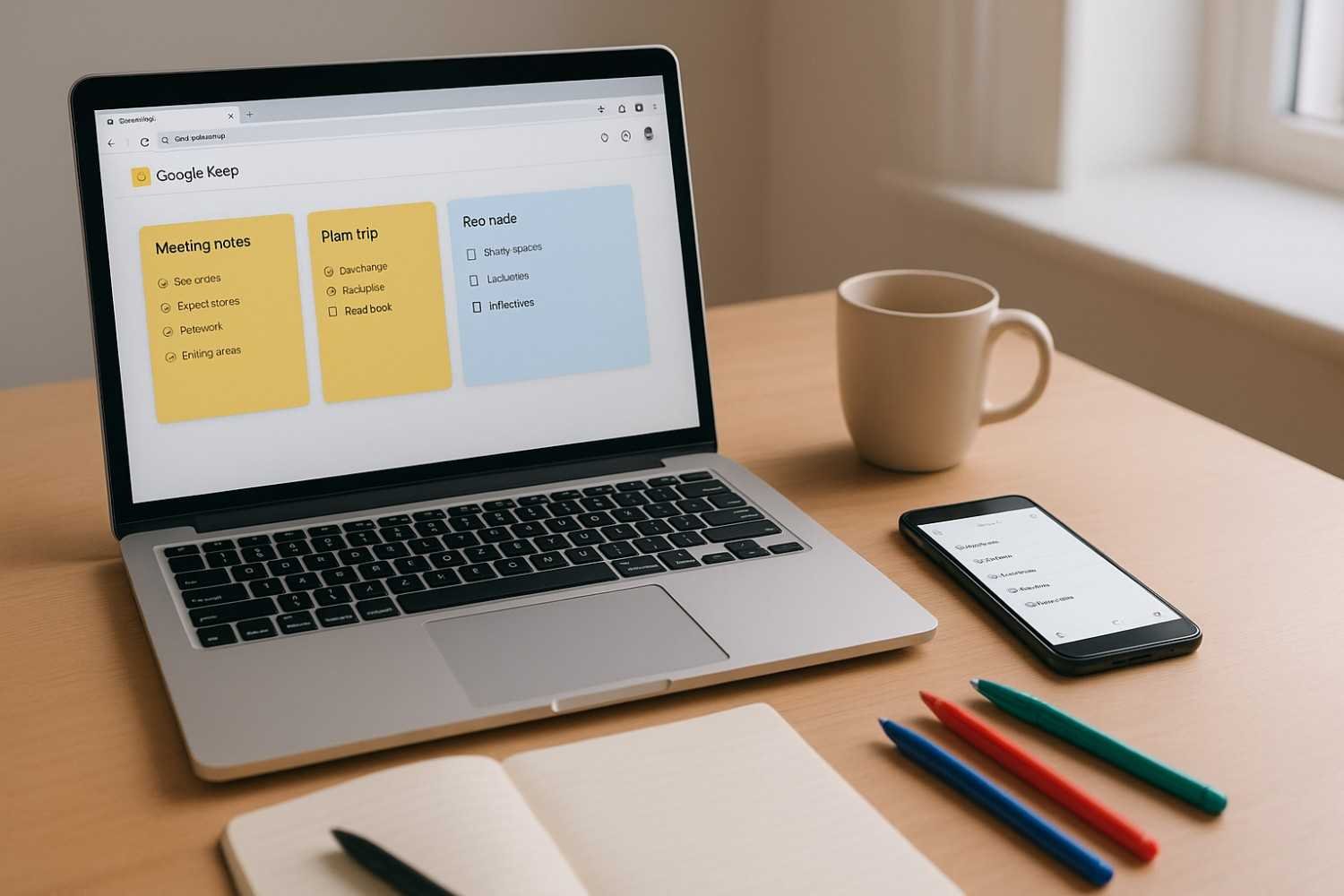
When I started freelancing, I had to work on multiple devices my laptop at home and my phone on the go. At first, I emailed files to myself. It was messy and time-consuming. The day I switched to cloud storage, everything changed. I could start writing a document on my laptop and finish it on my phone while traveling. That freedom and flexibility made me twice as productive.
Benefits of Cloud Storage at a Glance
| Feature | Why It Matters |
|---|---|
| Easy Access | Work from anywhere, anytime |
| Automatic Backup | No more losing important files |
| Secure Storage | Protected with encryption |
| Saves Device Space | More room for apps and photos |
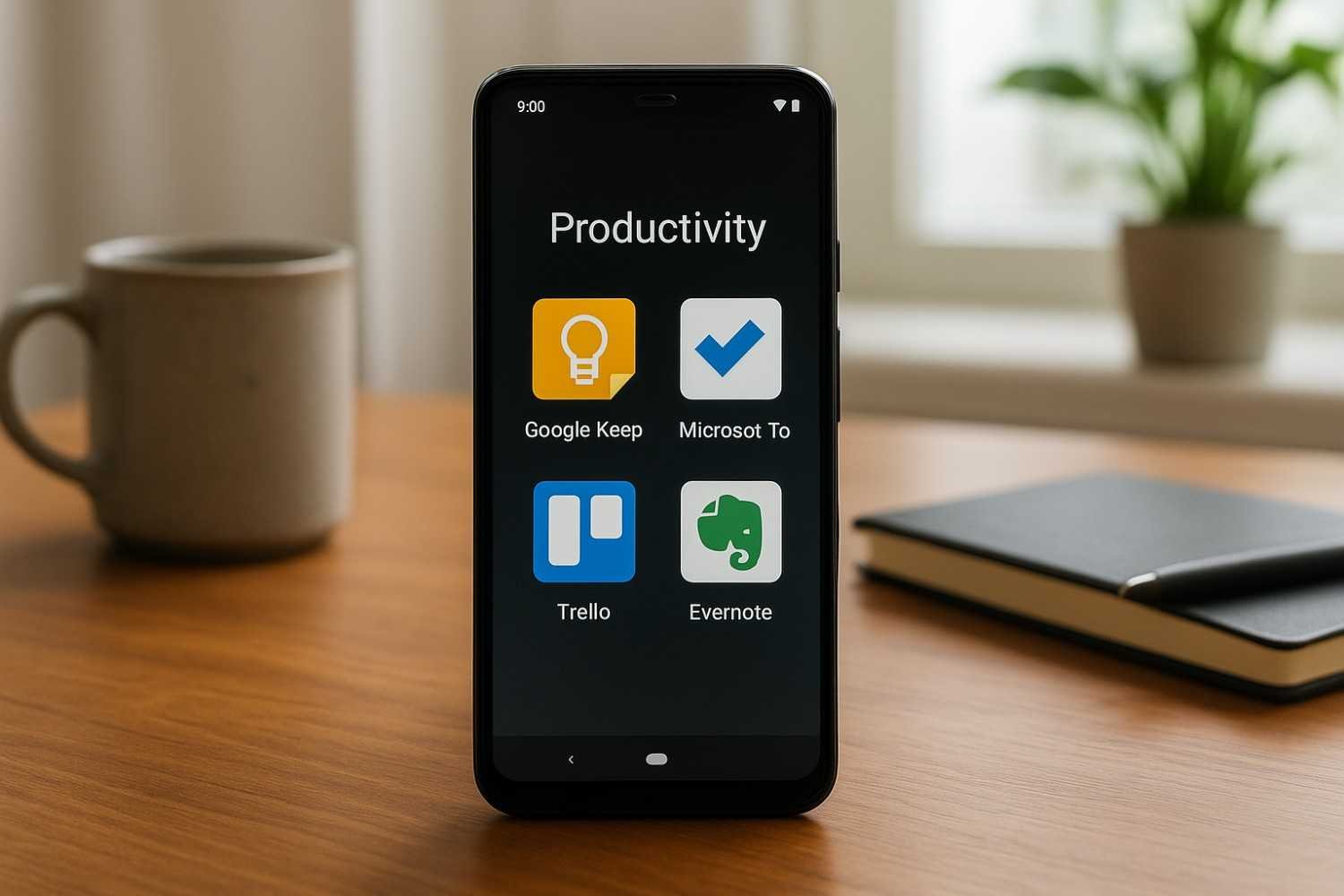
Read also: Best Free Android Apps for Productivity in 2025
Read also: Top Android Automation Tricks with Google Assistant in 2025
FAQs About Cloud Storage
1. Is cloud storage safe?
Yes. Most providers use advanced encryption and security systems. Still, always enable two-factor authentication for extra protection.
2. Do I need internet access?
Yes, to upload and download files. However, you can download files for offline use.
3. Can I use cloud storage for free?
Yes. Many services offer free plans, but they have limited space. Paid plans provide more storage and extra features.
Final Thoughts
Cloud storage isn’t just for tech experts it’s for everyone who wants to keep their files safe and accessible. Start with a free plan and experience the difference it makes in your life. Once you start using it, you’ll wonder how you ever lived without it.
So, are you already using cloud storage? If yes, which service do you prefer? Share your experience in the comments I’d love to hear from you.